
OnePlus Nord 6: Put Gaming and Multitasking on Your Checklist
Miles Telecom ·
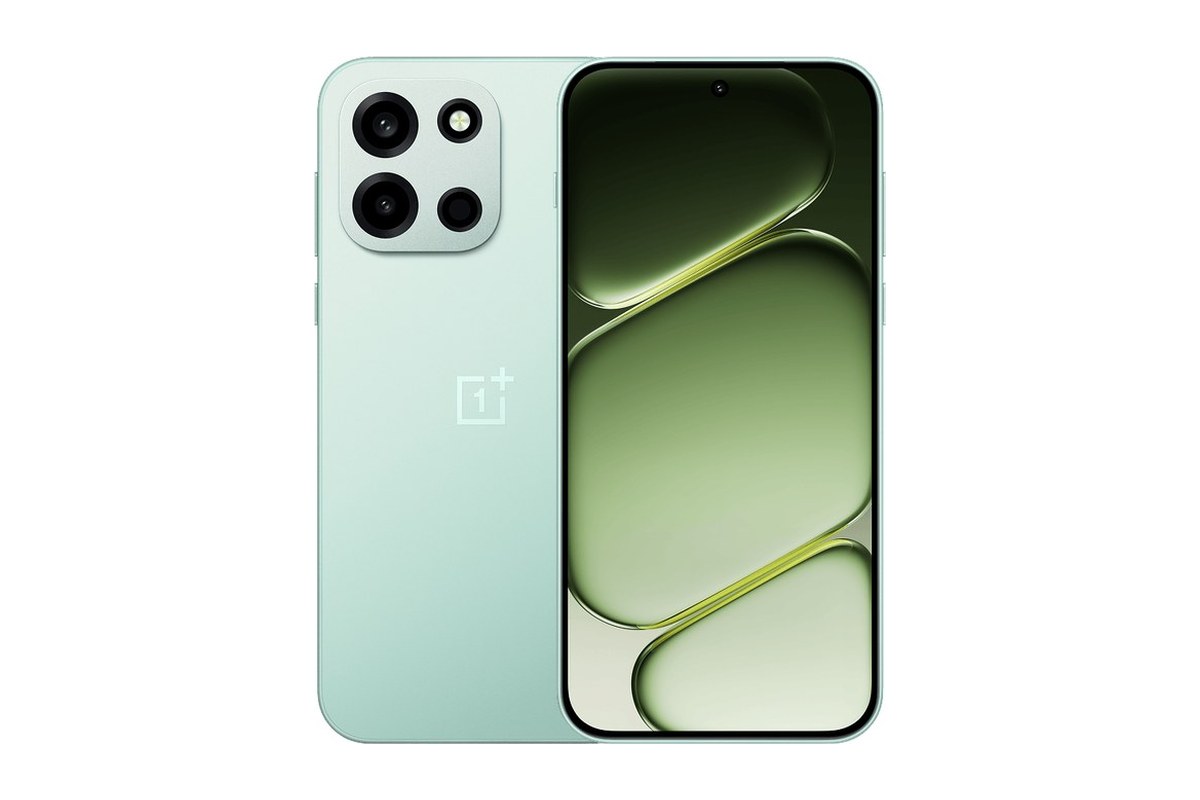
Thinking about getting the OnePlus Nord 6 in Dubai? Start by looking at your actual phone habits, not just the name on the box. This guide walks through the key choices to consider before you commit.
Who it’s for
This is a performance-minded Android phone worth considering if you want games, multitasking and a large screen. Make a short list of your daily priorities: clear calls, comfortable typing, photographs, navigation or entertainment. That list is more useful than a long page of impressive numbers.
Check which regional version you are considering. Battery and storage details differ across regional listings, so a family name alone is not enough to identify the phone.
Key specs
- Snapdragon 8s Gen 4 processor.
- 6.78-inch AMOLED display with refresh rates up to 165Hz.
- 50MP main camera with optical image stabilisation.
Which storage or model should you pick?
Check the storage menu on your current phone first. Notice how much space goes toward photos, videos, media downloads, and chat backups. Make sure you leave room to grow. Switching to a new handset is also the perfect excuse to clear out old files you no longer need.
Keep in mind that RAM and storage handle two separate tasks. RAM keeps apps ready in the background as you jump between tasks, while storage holds your apps and saved media. Neither number tells you how the camera performs or how comfortably the OnePlus Nord 6 sits in your hand.
Our simple advice
Go with the OnePlus Nord 6 only if it genuinely fits your daily rhythm. There is no reason to hurry if your current handset still does the job. If you are comparing different versions, confirm the exact model code, SIM tray setup, box contents, and written warranty details before you buy.
For day-to-day life in Dubai, consider how often you rely on navigation maps, video calls, and mobile data. Regional variants can differ, so ask whether that exact unit matches local network bands. If you get the chance to hold one, test the keyboard and see if you can easily reach all the controls.
Back up your old phone before making the switch. Know how you plan to move your contacts, text history, and authenticator apps, and keep your current SIM card and login details handy throughout setup. On your first day with a new device, these practical steps matter much more than a spec sheet.
Got a question about the OnePlus Nord 6? Message Miles Telecom on WhatsApp and we will be glad to help.