
How to Increase PS5 Storage and Install More Games
Miles Telecom ·
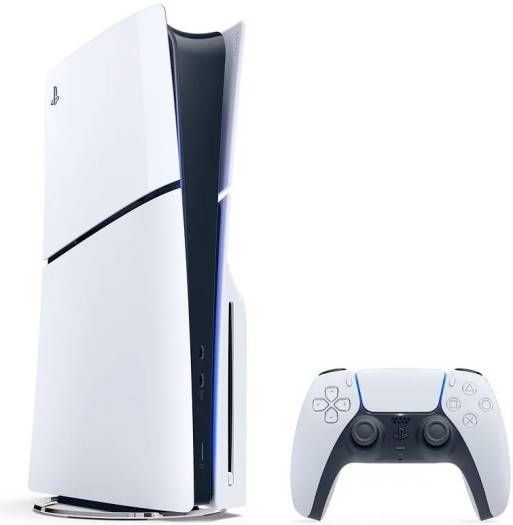
The original PS5 has 825GB, but only about 667GB is free for games. With many games over 100GB, space runs out quickly. Here are your options.
Option 1: M.2 SSD (best)
The PS5 has an expansion slot for an internal M.2 SSD. Games run from it exactly like the built-in drive.
- Type: M.2 NVMe, PCIe Gen4.
- Speed: Sony recommends 5,500MB/s read or faster.
- Size: 250GB to 8TB.
- Cooling: a heatsink is required; many drives include one.
How to install it
- Update your PS5 software and turn it off completely.
- Remove the console cover and the expansion slot screw cover.
- Insert the SSD, secure it with the screw and replace the covers.
- Turn on the PS5 and follow the format prompt.
Option 2: USB external drive
A USB drive is cheaper. You can play PS4 games directly from it and store PS5 games there, but PS5 games must be moved back to internal storage to play.
Option 3: Manage your space
Delete games you've finished (your saves stay in the cloud with PlayStation Plus) and remove unused language packs.
Want more storage from day one? Newer models start with more: compare them in our PS5 buying guide.
- PS5 Disc Console with Controller 825GB: AED 2,690
- PS5 Digital Edition with Controller 825GB: AED 2,330
Shop at Miles Telecom
Browse all PS5 consoles and PS5 controllers. Prices on this page update from our store automatically, so they always match the product page.